Modern privacy regulations and ad-blockers are creating significant gaps in digital measurement. Learn how Server-Side Tagging recovers lost data, improves site performance, and provides a robust solution for first-party data collection in a cookieless future.
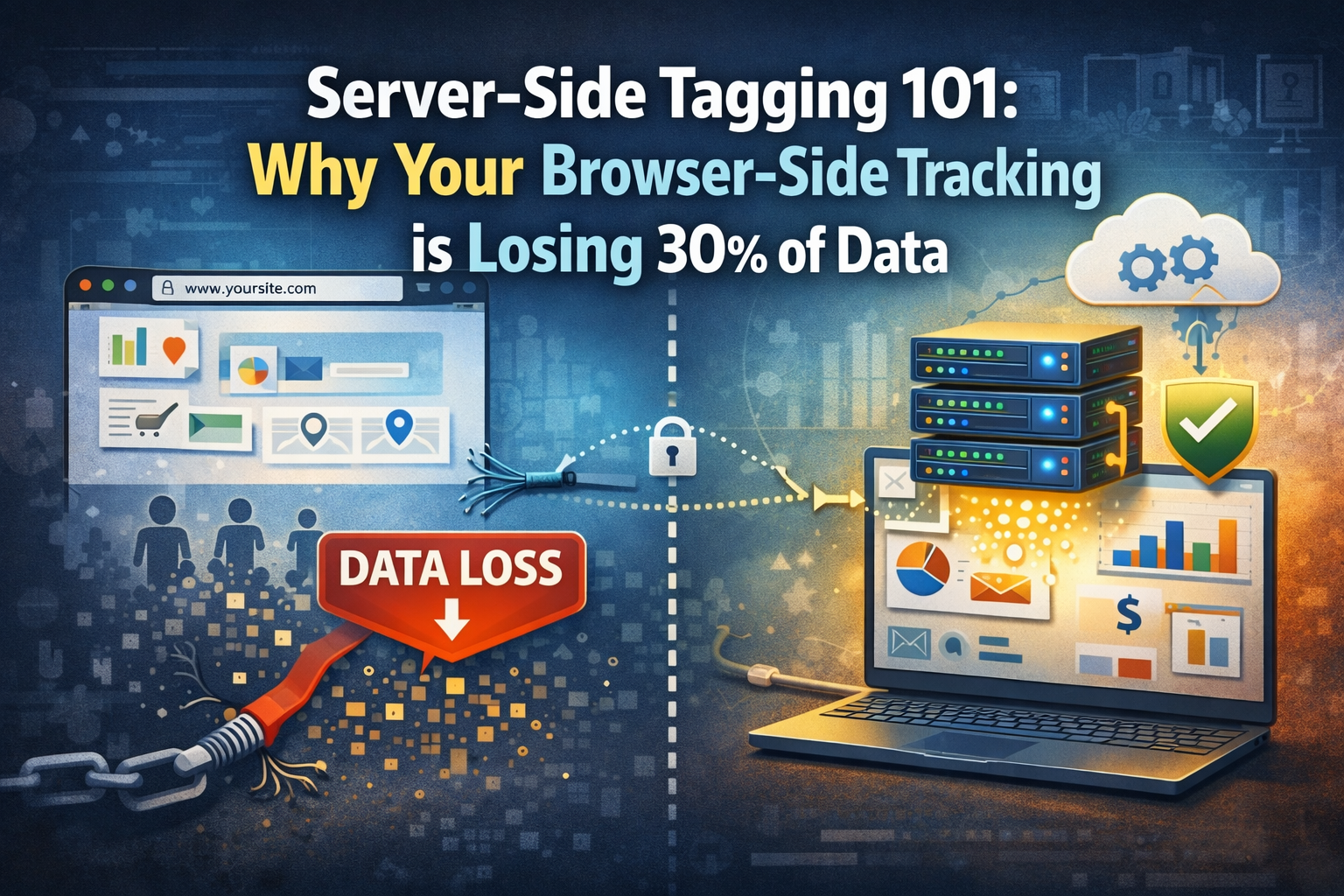
The traditional method of digital tracking, known as client-side or browser-side tagging, is facing an existential crisis. For over two decades, web analysts have relied on the user’s browser to execute tracking scripts and send data directly to third-party vendors. However, with the rise of aggressive ad-blockers, Intelligent Tracking Prevention (ITP) in Safari, and the App Tracking Transparency (ATT) framework, this direct line of communication is being severed. Statistics now suggest that standard browser-side implementations can lose up to 30% of their data, leading to skewed reports and inefficient marketing spend.
Server-side tagging offers a paradigm shift. Instead of the browser sending data to ten different marketing platforms, it sends a single stream of data to a server you control. This server then processes, cleans, and redistributes that data to the relevant endpoints. This not only restores data accuracy but also significantly improves website performance by reducing the “weight” of scripts the browser has to load. For any global enterprise serious about data maturity, moving to a server-side architecture is no longer an option; it is a technical necessity.
1. The Architectural Difference: Client vs. Server
In a client-side setup, the browser is the primary engine. When a page loads, the Google Tag Manager (GTM) container fires multiple tags for Analytics, Meta, LinkedIn, and various ad-tech vendors. Each tag consumes CPU cycles and increases the time to interact. More importantly, these requests are easily identified and blocked by privacy tools.
In a server-side environment, the browser sends a single request to a dedicated sub-domain (e.g., https://www.google.com/search?q=metrics.yourdomain.com). This request is treated as first-party communication, making it significantly more resilient to ITP and ad-blockers. Once the data reaches your Google Cloud or AWS instance, the Server GTM container takes over. It maps the incoming data to various tags and sends it to external servers through a secure, server-to-server connection.
2. Eliminating the 30% Data Gap
The primary driver for server-side adoption is data recovery. Ad-blockers typically look for scripts originating from known third-party domains. By routing your tracking through a first-party sub-domain, you bypass these basic filters.
Furthermore, ITP (Intelligent Tracking Prevention) limits the lifespan of client-side cookies to as little as 24 hours in some scenarios. By setting cookies from a server-side context (using Set-Cookie headers), you can maintain user identity for much longer periods. This ensures that a user who visits on Monday and converts on Friday is correctly attributed to their original source, rather than being counted as a new, direct visitor.
3. Enhancing Web Performance and Core Web Vitals
Every third-party script added to a website acts as a tax on user experience. Browser-side tags compete for resources, often delaying the loading of critical visual elements. High-authority domains that prioritise SEO know that Core Web Vitals are essential for ranking.
By moving heavy scripts to the server, you reduce the JavaScript execution time on the client’s device. The browser only needs to send one light payload. The server, which has far more processing power than a typical smartphone, handles the heavy lifting of formatting and transmitting data. This leads to faster page loads, lower bounce rates, and a measurable improvement in search engine visibility.
4. Enhanced Data Security and PII Control
One of the hidden dangers of client-side tagging is the lack of control over what data is being sent to third parties. When a third-party script runs in the browser, it can theoretically access any information on the page, including Personally Identifiable Information (PII) like email addresses in form fields.
Server-side tagging acts as a “Data Gatekeeper.” Because the data passes through your server first, you can scrub or anonymise sensitive information before it ever leaves your environment. For industries governed by strict regulations like GDPR or HIPAA, this provides a layer of compliance that is impossible to achieve with traditional methods.
5. Setting Up the Server-Side Environment
Implementing server-side tagging involves more than just a GTM configuration; it requires a cloud infrastructure. The most common setup involves using a Google Cloud Platform (GCP) App Engine environment.
The process begins by creating a Server Container in GTM and linking it to a GCP billing account. You then map your custom sub-domain to the server instance. This sub-domain is the “Endpoint” where your web container will send its data. While there is a cost associated with cloud hosting, the return on investment through recovered data and improved ROAS typically far outweighs the monthly hosting fees.
6. The Role of the Measurement Protocol
In a server-side ecosystem, the Measurement Protocol becomes a vital tool. It allows you to send data to GA4 directly from your server-side GTM container or even your CRM, without any browser involvement at all.
This is particularly useful for tracking offline conversions or actions that happen after the user has left the site—such as a subscription renewal or a refund. By tying these server-to-server events back to the original client_id collected on the site, you create a 360-degree view of the customer journey that browser-side tracking simply cannot replicate.
7. Overcoming the Learning Curve
Transitioning to server-side tagging does require a shift in mindset. Instead of “Tags” and “Triggers” in the browser, you deal with “Clients” and “Tags” on the server. The “Client” in Server GTM is responsible for parsing the incoming request and turning it into an internal event object that the tags can understand.
DebugView remains a critical part of the workflow, but you now have to monitor two consoles: the Web GTM preview and the Server GTM preview. Seeing a request “jump” from the web preview to the server preview is the moment of truth for any technical analyst.
8. Strategic Implementation: Start with a Hybrid Model
You do not need to move everything to the server at once. Most professionals start with a hybrid model. Keep your low-stakes UX tracking on the client-side, but move your high-value conversion tags (GA4 Purchase, Meta Conversion API, Google Ads Conversion) to the server-side immediately.
This phased approach allows you to validate the data accuracy of the server-side setup against your legacy setup before making a total switch. You will likely see a significant uplift in reported conversions on the server-side, confirming the “missing data” theory.
9. Cost Considerations and Scalability
Server-side tagging is not free. You are essentially paying for the server capacity to process your hits. For low-traffic sites, the costs are negligible, but for enterprises with millions of monthly sessions, the Google Cloud costs can scale.
However, consider the cost of not having the data. If you are spending £10,000 a month on ads and 30% of your conversions aren’t being tracked, you are making optimization decisions based on incomplete information. In this context, the cost of a few hundred pounds for a server instance is the most profitable investment you can make in your marketing tech stack.
10. Conclusion: Future-Proofing Your Analytics
As we move closer to a cookieless world, the browser’s role in tracking will continue to diminish. Global privacy trends are moving toward a model where the user’s consent and data integrity are paramount. Server-side tagging is the only solution that addresses both privacy concerns and technical data collection requirements.
By implementing server-side tracking today, you are not just fixing a 30% data gap; you are building a resilient, high-performance, and secure measurement foundation that will last for years to come.